
Browsing the Virtual Shelf
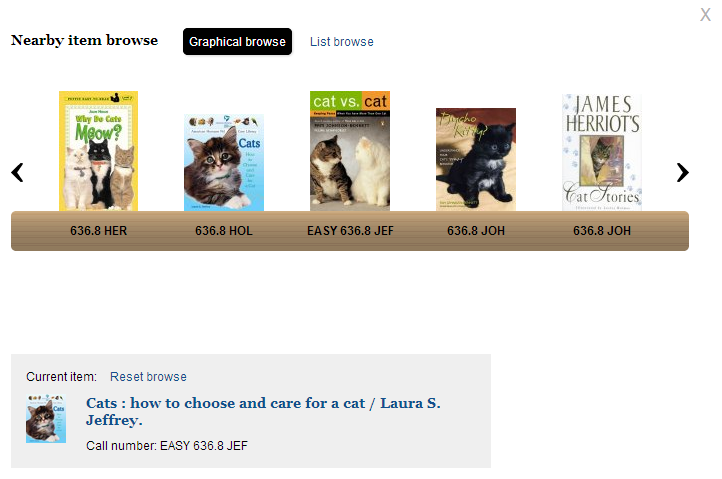
The brief view of each item in your search results contains a statement of availability. When you click see all, Encore presents a list of the library's holdings for that title. The call numbers in this list are links that open a "virtual shelf" so you can browse the titles you would find nearby on the library's physical shelf. The virtual shelf presents book jacket images, when available, and each "book" is a link to the item's record details.
In addition to the graphical carousel, the virtual shelf offers a List browse option to view a text list of nearby items.
When browsing the shelf, choose Reset browse to return to the original item.
Click the 'X' to close the virtual shelf.
