
Configurazione del timeout della sessione
Per configurare il timeout della sessione è necessario disporre del seguente ruolo:
-
Amministratore di Sistema Generale
By default, if Alma has not been used for 60 minutes, the session automatically times out (see Logging Into and Out of the User Interface). This session timeout duration can be configured in the Session Timeout page (Configuration > General > General Configuration > Session Timeout). The options range from 15 to 150 minutes.
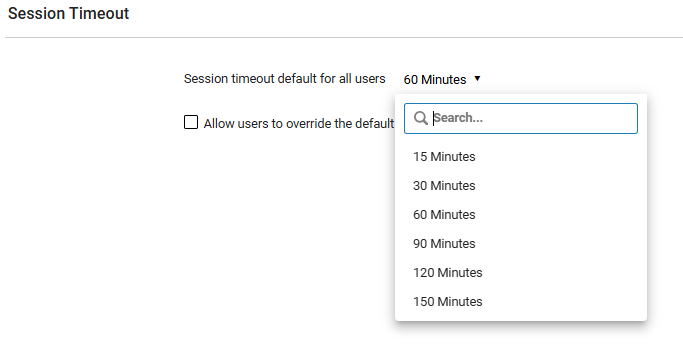
To update the timeout duration, select the drop down arrow next to the time and select a different time.
In addition, institutions can choose whether to allow individual users to override this default setting by selecting the Allow users to override the default session timeout checkbox. This enables the Session Timeout option in the User Menu (see Alma User Interface). The user-level options also range from 15 to 150 minutes.
