
Alma環境のマルチタブ
はじめに
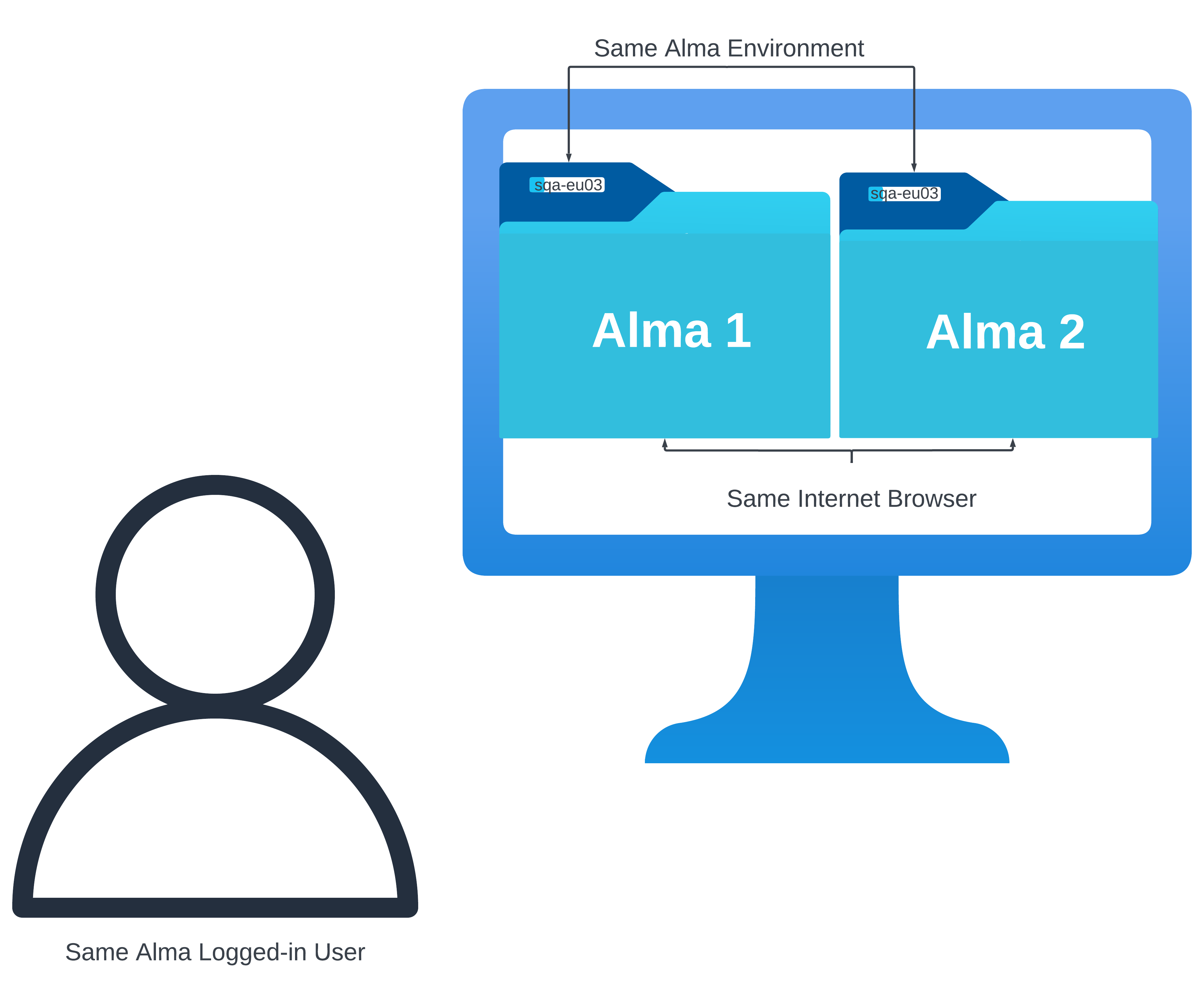
Alma introduces a new feature that enables users to open multiple tabs within the same Alma environment for a logged-in user.この改善により、ユーザーは別々のインターネットブラウザタブでレコードを同時に開くことができるようになり、生産性と効率性が向上します。これにより、タブ間で情報をシームレスにコピーし、さまざまなタスクやワークフローを同時に実行できるようになります。For instance, the same Alma environment logged-in by the same user and in the same internet browser (e.g. Chrome) and has opened two separate Alma sessions in two individual tabs (side-by-side) can continue operating two workflows (e.g. Purchase Orders and Bib records in the Metadata Editor) in each session at the same time.
Some workflows, such as work with records in the Metadata Editor, are only synchronized in both Alma sessions if the tab (session) is refreshed ( )!
マルチタブ機能を使用すると、各ブラウザタブにランダムなIDが割り当てられ、対応するセッションエントリの一意のサフィックスとして機能します。この進歩により、複数のインターネットブラウザタブ間で同じAlmaセッションを同時に操作できるようになります。ユーザーは、Almaを2つ以上のタブで開き、1つのタブが他のタブに影響を与えることなく同時に作業できるようになりました。
注目すべき点/制約
あらゆるシステムの複雑さを理解するには、システムの機能に影響を及ぼす可能性のある固有の制約を認識し、理解することが不可欠です。以下は、Almaの複数のタブに伴う機能上の制約です。
- Multiple tabs functionality ONLY works if multiple browser tabs are opened for the same:
- 使用環境
- ログインしたユーザーアカウント
プリンター、場所、言語、UI 設定など、一部の項目はブラウザー タブ間で共有/同期されます。
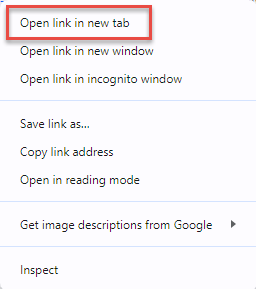
- 新しいタブでログインすると、以前のセッションはキャンセルされることに注意してください。Instead, open the same session in a new tab by selecting for example Open link in new tab for Chrome.
- Trying to sign in as different users of the same institution simultaneously from the same internet browser (through different tabs of the internet browser on the same computer) – will not work (the last signed-in user will override the user in the other tab(s)).
複数のタブを操作する
Assuming you are logged in to Alma, there are three main ways to open a new tab.
To open a new tab when logged in to Alma:
- Open a new browser tab and navigate to /ng in the same logged-in environment, for example https://abc.alma.exlibrisgroup.com/ng).
- Right-click the logo within an open tab in Alma and then select Open in new tab.
- Clone an already open tab or copy the link in the browser navigation bar of an existing tab to a new one.Note that this may not work in rare cases where a tab ID is already part of a link.
Any other method will not work and will impact previous sessions.
If you have a bookmarked Alma link that takes you through the IdP and initiates a login process, you should not use that to open a new tab after the first login.
