
国
国コードを設定するには、次のロールが必要です:
- 一般システム管理者
The Country Codes code table defines the list of countries that are displayed in various areas in Esploro (such as the Country drop-down list in Media Mention Details) and in Primo VE (such as My Library Card > Personal Details).
To access this page navigate to Configuration > General > General Configuration > Country Names.
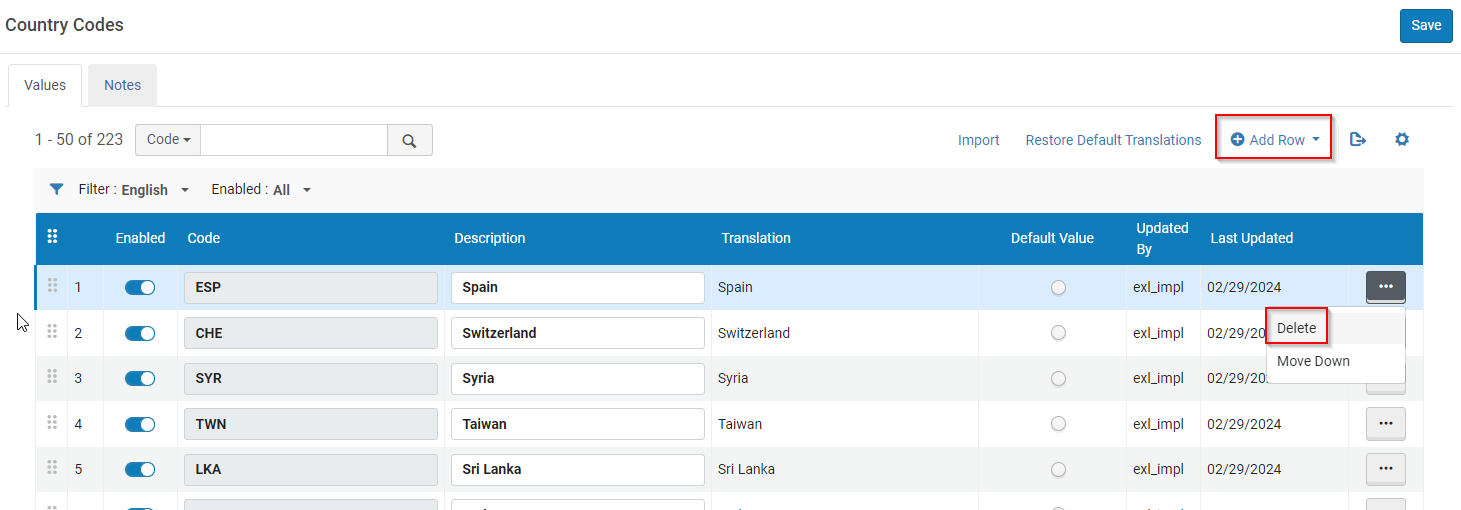
[有効] 列で国の表示ステータスを切り替えることで、無効化/有効化することができます。[上へ移動] または [下へ移動] 列の矢印を選択すると、国をリスト内で上または下に移動できます。国を追加するには、行を追加するします。You can delete a country by selecting More actions > Delete.
変更は、[保存] を選択した後にのみ有効になります。
