
Surveys
The Surveys product integration allows student to review active surveys that are assigned to them.
Overview
The Surveys product integration allows student to review active surveys that are assigned to them.
Vendors
The Surveys product integration is supported by EvaSys.
User Experience
The following section describes information relating to the user experience for the Surveys product integration.
User Activities
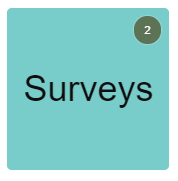
- View the number of active surveys as a live tile.
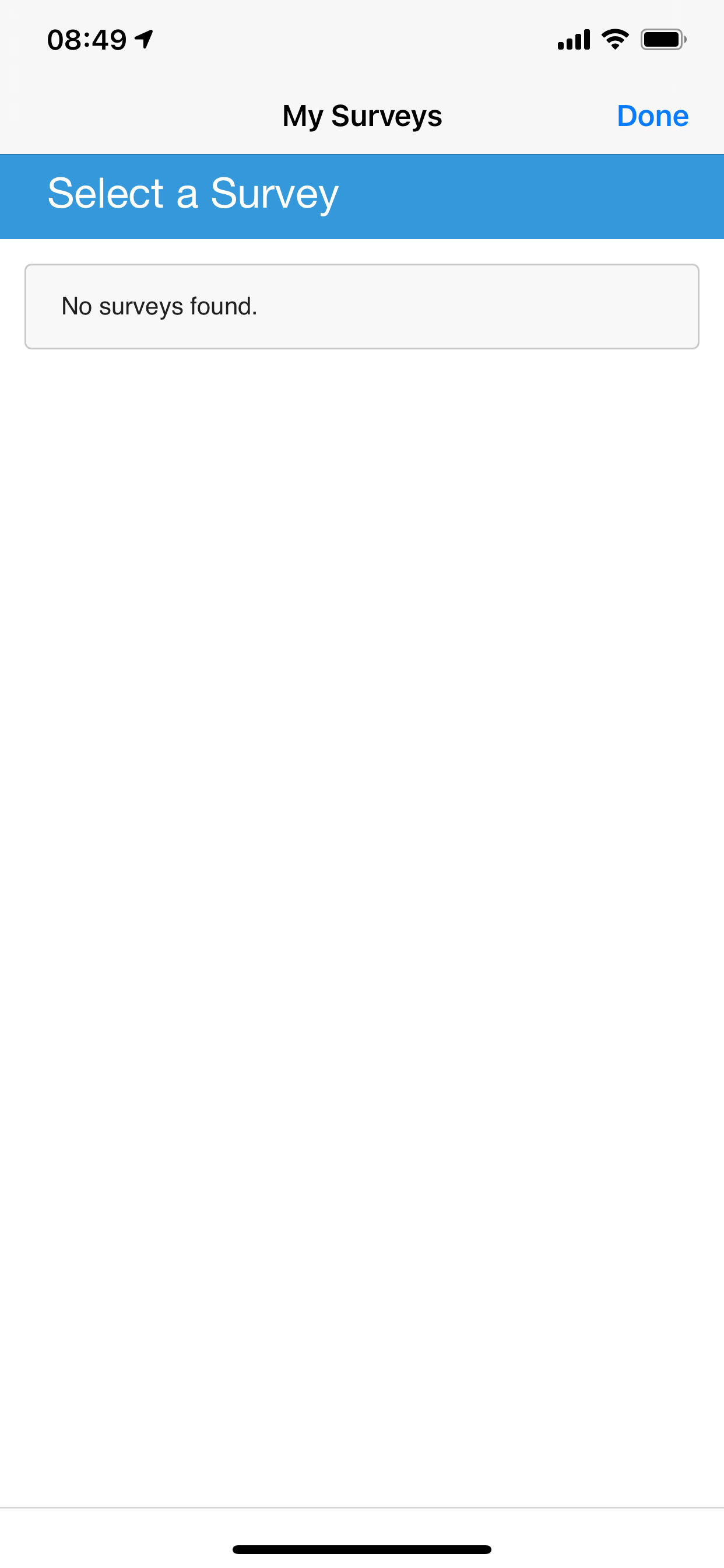
- View a list of active surveys that are assigned to the user with a link to the surveys page to allow the user to fill out the surveys.
Authentication
The Username and password are configured as part of the Vendor's Authentication API configuration section and are sent as a header in the service call.
Offline Support
None. Users must be online to retrieve their survey data.
Screenshots
The following is an overview of the Surveys product integration user interface for a reference when configuring it:
| The Surveys live tile in home page with number of active surveys | List of surveys | |
|
|
Technical Overview
The Surveys product integration is supported by EvaSys.
- The EvaSys API URL is same for all customers:https://evasysplus.co.uk/domains/{CUSTOMER_ID}/participant-surveys?email={USER_EMAIL}
- The email needs to be set as a URL Query parameter. This is configured in the User Input Identifier section.
- EvaSys passes the customer ID as a URL path parameter. This is configured in the API Configuration section.
Configuration
The following section describes configurations for the Surveys product integration. Note that while the vast majority of these fields are not mandatory, they are displayed with their default values, unless otherwise stated.
To configure the Surveys product integration, select Add Product Integration from the Product Integrations main menu option.
Select Surveys.
| Configuration Option | Description | Mandatory | Data Type | Default | Example |
|---|---|---|---|---|---|
| Manage Integration | |||||
| Enable Product Integration | Select to enable the product integration on the user's campusM app. | No | Checkbox | Unselected | |
| Product Integration Description | A description of the product integration for internal use. | Yes | String | ||
| Vendor | |||||
| Vendor | Defines to which vendor the integration connects. | No | Object | EvaSys | |
| EvaSys | |||||
| Base URL to retrieve the information | The EvaSys hostname (plus HTTPS protocol). | Yes | URI | https://evasysplus.co.uk | |
| Customer ID | Customer unique ID, provided by the vendor. | Yes | String | ||
| User Input Identifier | |||||
| Parameter Input Option | Select a parameter input option that matches your needs. That is, select Username to use the username attribute associated with the end user, Token Property, or Constant. | No | Drop-down list | Username | |
| Token Property - Token Property Name | Enter the property name to be retrieved from the token (USERNAME, MAIL, GIVEN_NAME, SURNAME, FULL_NAME) or as indicated in the integration profile. | No | String | USERNAME | |
| Constant- Constant Value | The value when the user identifier is set to constant. | No | String | ||
| API Authentication | |||||
| Authentication Type | The authentication type against the web service:
Basic - username and password for Base64 basic authentication. |
No | Drop-down list | Basic | |
| General | |||||
| Open The Surveys Page Externally | Determines whether the link opens in-app or in the user's external browser | Yes | Checkbox | Checked | |
| Live Tile | |||||
| Enable Live Tile | Select to enable the Surveys live tile. | Yes | Checkbox | Unchecked | |
| Text/Labels | |||||
| Enabled | Select to enable this hour range. | No | Checkbox | Unchecked | |
| Page Title | The text to display as the main title. | Yes | String | Select a Survey | |
| No Data Message | The text to display when no surveys are assign to the user. | No | String | No surveys found | |
| Service Failure Message |
A general error message. |
No | String | Service currently unavailable, please try again later | |
| Import/Export Configuration | |||||
| Import | Create a JSON file with all product integration configuration. | No | Create a JSON file with all product integration configuration. | ||
| Export | Use this option in order to load configuration from JSON of an exported product integration. | No | |||
Page tags: article:topiccontent:Documentationproduct:campusmlang:english
